
📉
Adding tournament results
Log results with multi-round totals — your rolling scoring average updates automatically.
- 1
Add a result
In Tournament results, add the event name, date, finish and number of rounds.
- 2
Multi-round events
For 2- or 3-round events, enter each round under “Round scores (optional — fills the total)” and Drivn fills the total score for you. Multi-round totals are labeled on your profile so coaches read them correctly.
- 3
Your scoring average updates itself
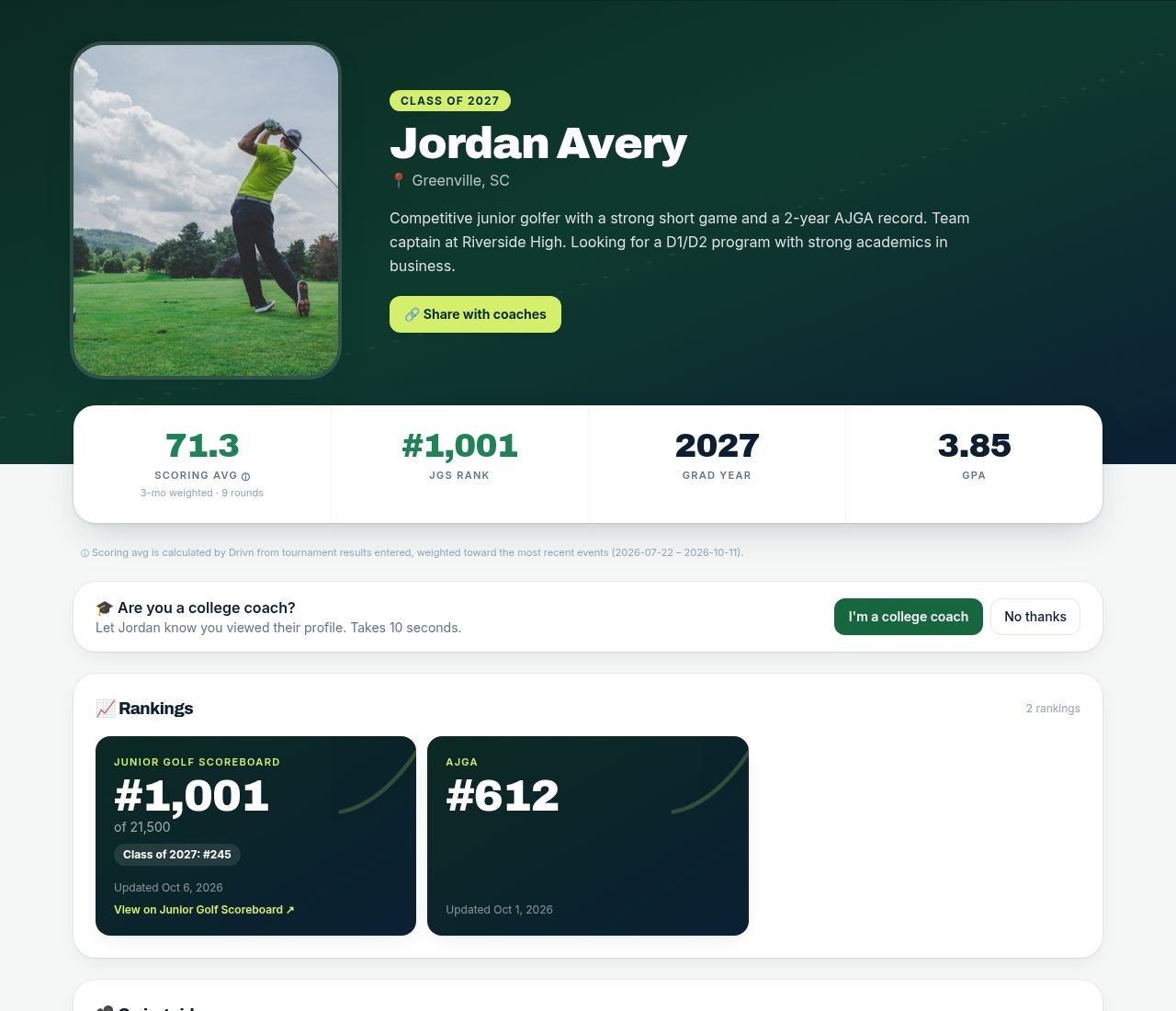
Your scoring average is calculated from your entered results as a rolling average weighted toward the last 3 months — no manual math.
- 4
Ask your coach to verify
Verified scores carry a badge coaches trust. See “Coach accounts & score verification” for how it works.
Tips
- Enter every counting round, good and bad — an honest average builds trust with college coaches.