🏆
Rankings with source links
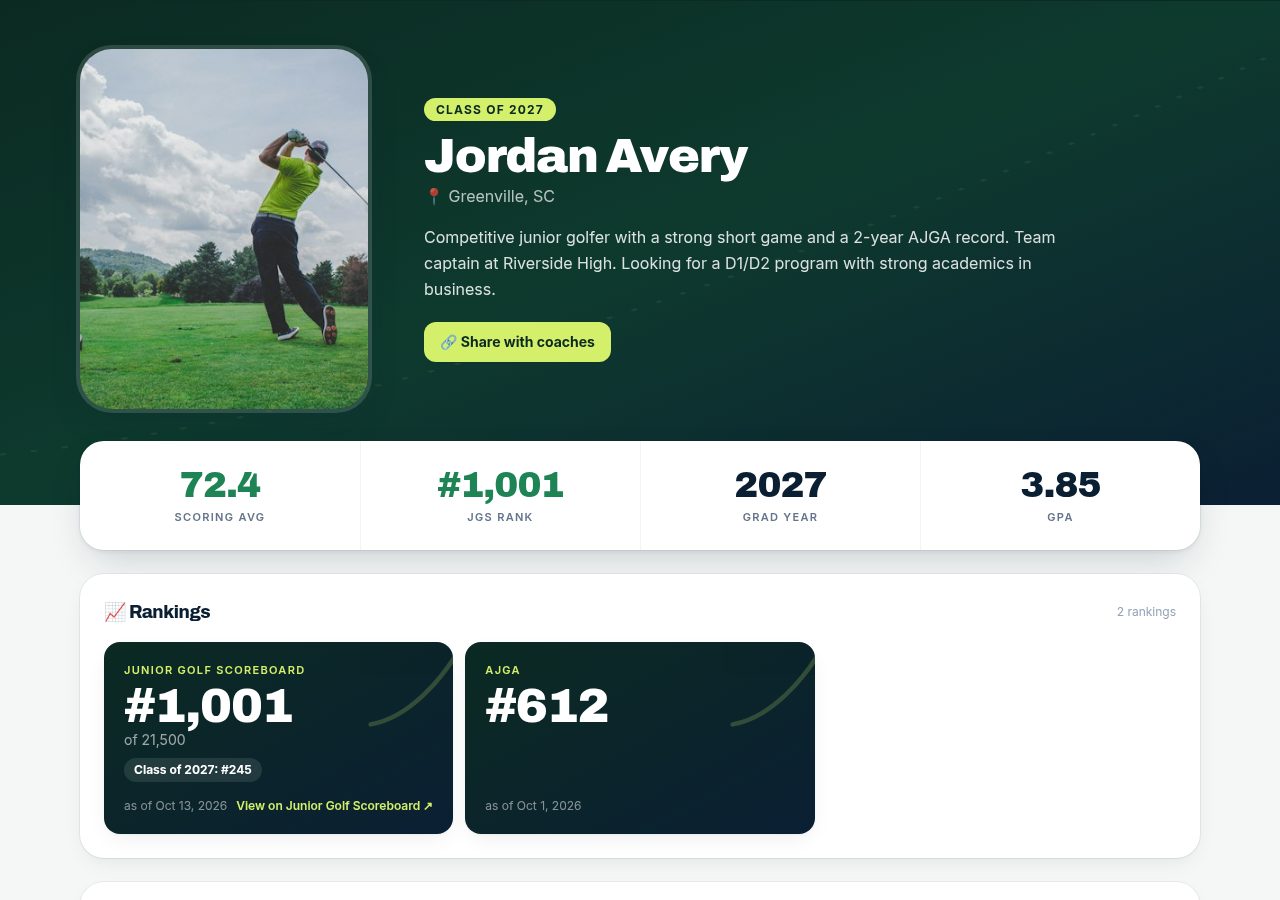
Show Junior Golf Scoreboard, AJGA and other rankings with sources and as-of dates.
- 1
Add a ranking
In Rankings, choose the source (e.g. Junior Golf Scoreboard), enter Overall # and Class #, the “Out of” field size and the “As of” date.
- 2
Link the source
Add the link to your ranking page so coaches can check it. Use “Open JGS ↗” to look yours up.
- 3
Keep it fresh
Each ranking shows its source and as-of date on your public profile, and Drivn reminds you when it's time to update.