
Getting started & signing up
Create your free beta account as a junior golfer or a high school / club coach.
- 1
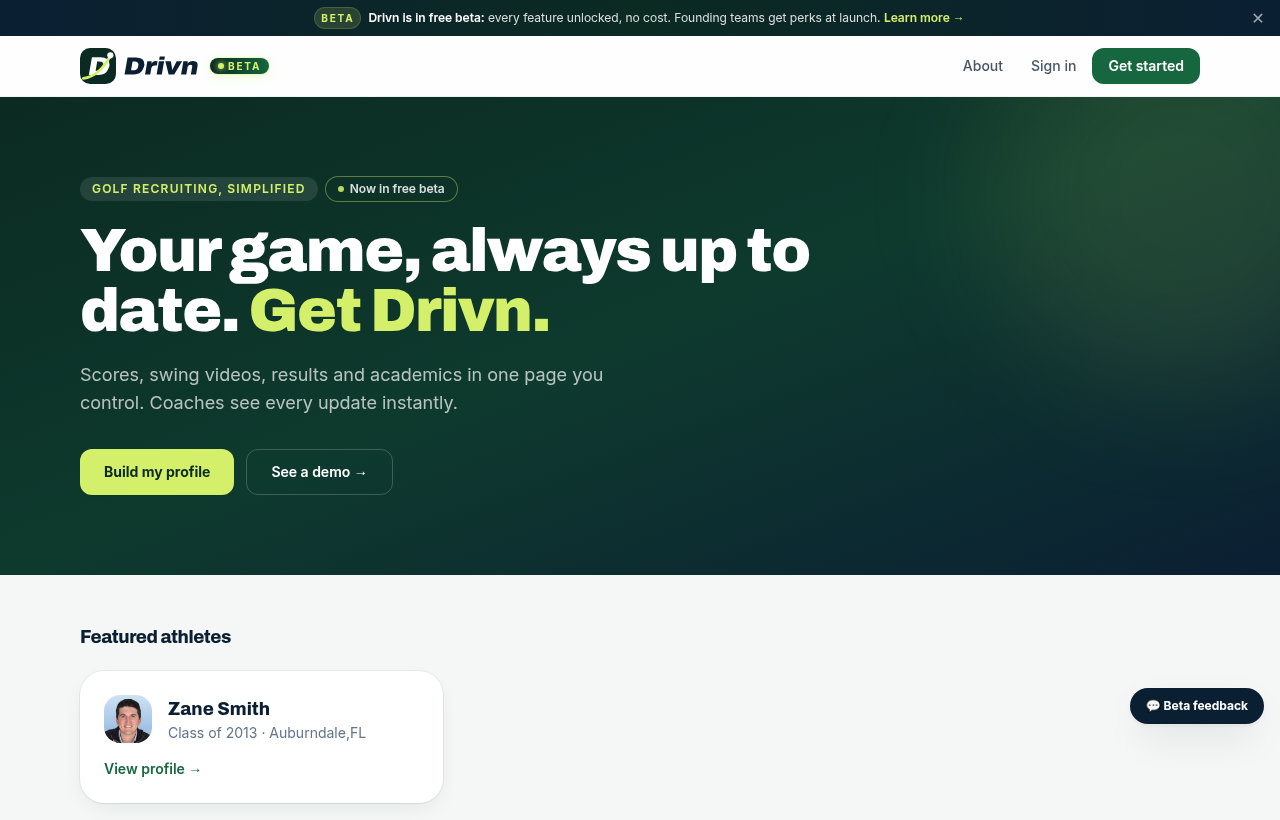
Open Drivn and tap Get started
Go to staydrivn.com and tap Get started in the top-right corner. Everything is free during the beta.
- 2
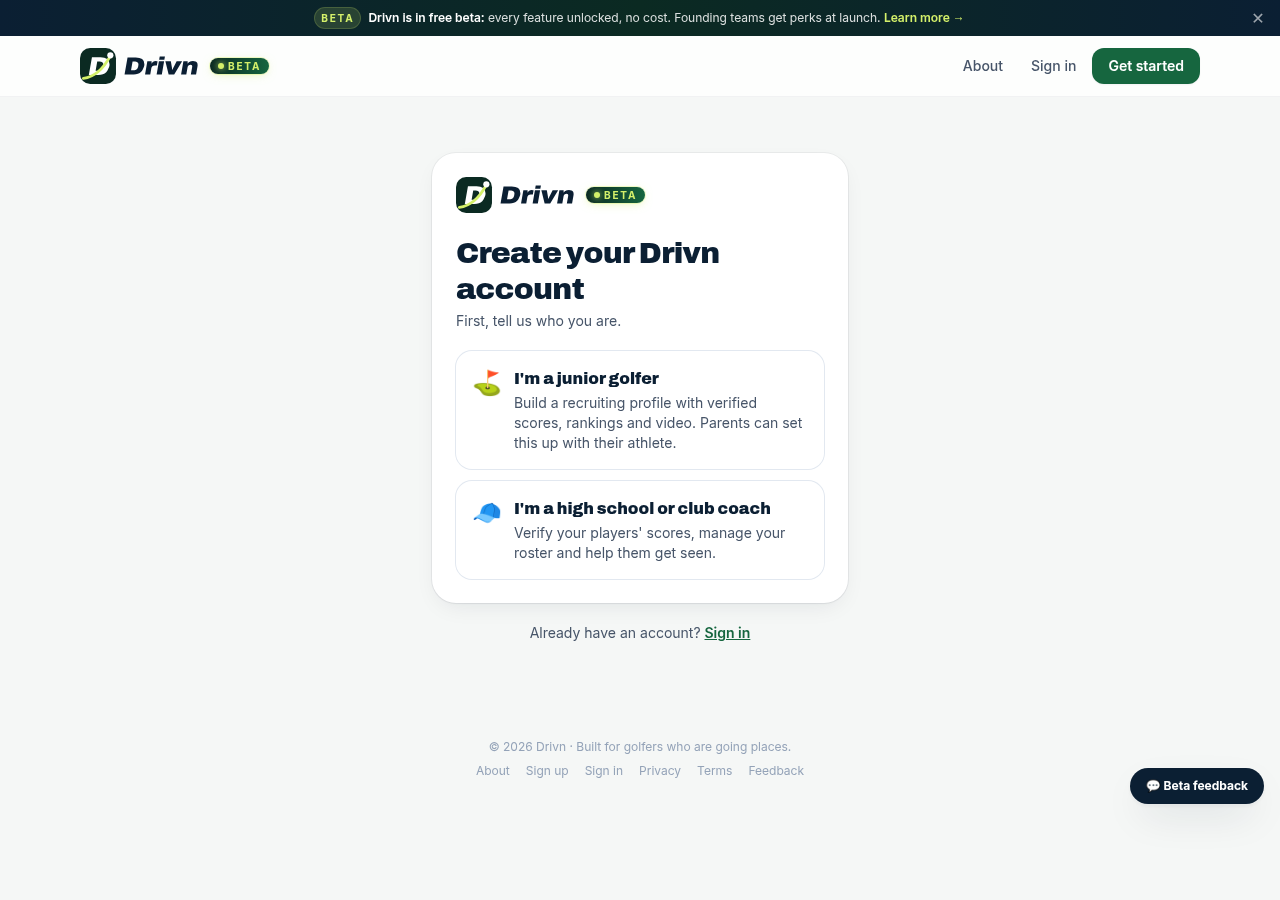
Choose who you are
Pick “I'm a junior golfer” to build a recruiting profile, or “I'm a high school or club coach” to manage a roster and verify scores. Parents can set up the account with their athlete.
- 3
Fill in your details
Athletes enter name, grad year and date of birth. If you're under 18 we ask for a parent or guardian email. Coaches add their school or team name — it appears on scores they verify.
- 4
Confirm your email
We send a confirmation link from noreply@mail.staydrivn.com. Open it to activate your account. Didn't get it? Check spam, or use “Resend confirmation email”.
- 5
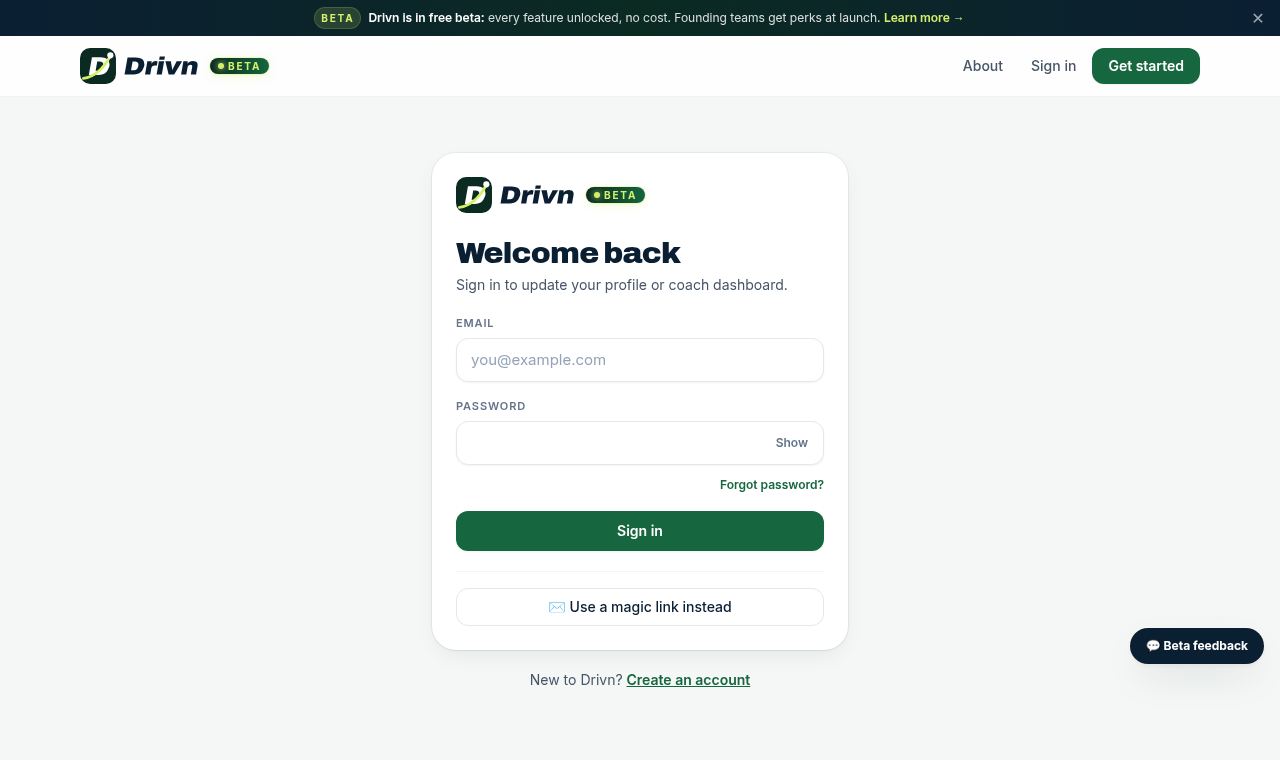
Sign in any time
Use Sign in at the top of every page. Forgot your password? Use the reset link on the sign-in page.
Tips
- Works great on a phone — add staydrivn.com to your home screen.
- One account per athlete; parents can share the login with their golfer.