
🧢
Coach accounts, teams & score verification
Create a team, invite players with a code, and verify scores from emailed requests.
- 1
Create your team
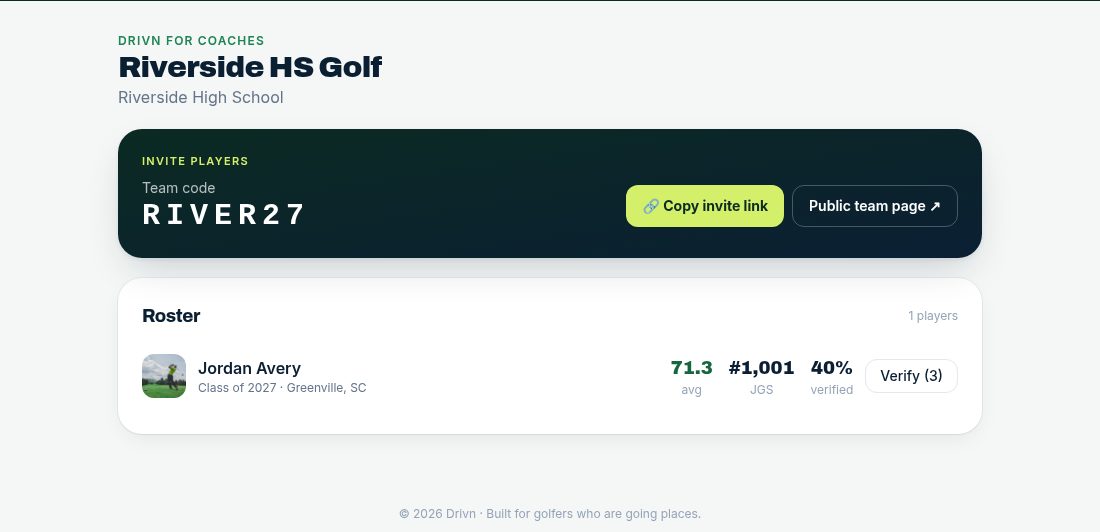
Sign up as a high school or club coach, then use “Create your team”. You get a Team code and a public team page.
- 2
Invite players
Share the invite link or team code with your players. They join from their dashboard and appear on your roster.
- 3
Verify scores by email
When a player requests verification, you get an email with a secure link. Open it, check the score and tap verify — the result gets a verified badge with your name and school.
- 4
Help them get seen
From the roster, open each player's profile and help keep results and rankings current.
Tips
- Team plans will cover the whole roster after launch so players never pay. Founding teams get perks.