🔒
Account & privacy
Hide contact details, manage your password, and understand how your data is used.
- 1
Control your public page
In “Privacy on your public page”, use Hide my email and Hide my phone to keep contact details off your public profile.
- 2
Password & sign-in
Reset your password from the sign-in page. Log out from the account menu (your initials, top right).
- 3
Minors & guardians
Athletes under 18 add a parent or guardian email at sign-up.
- 4
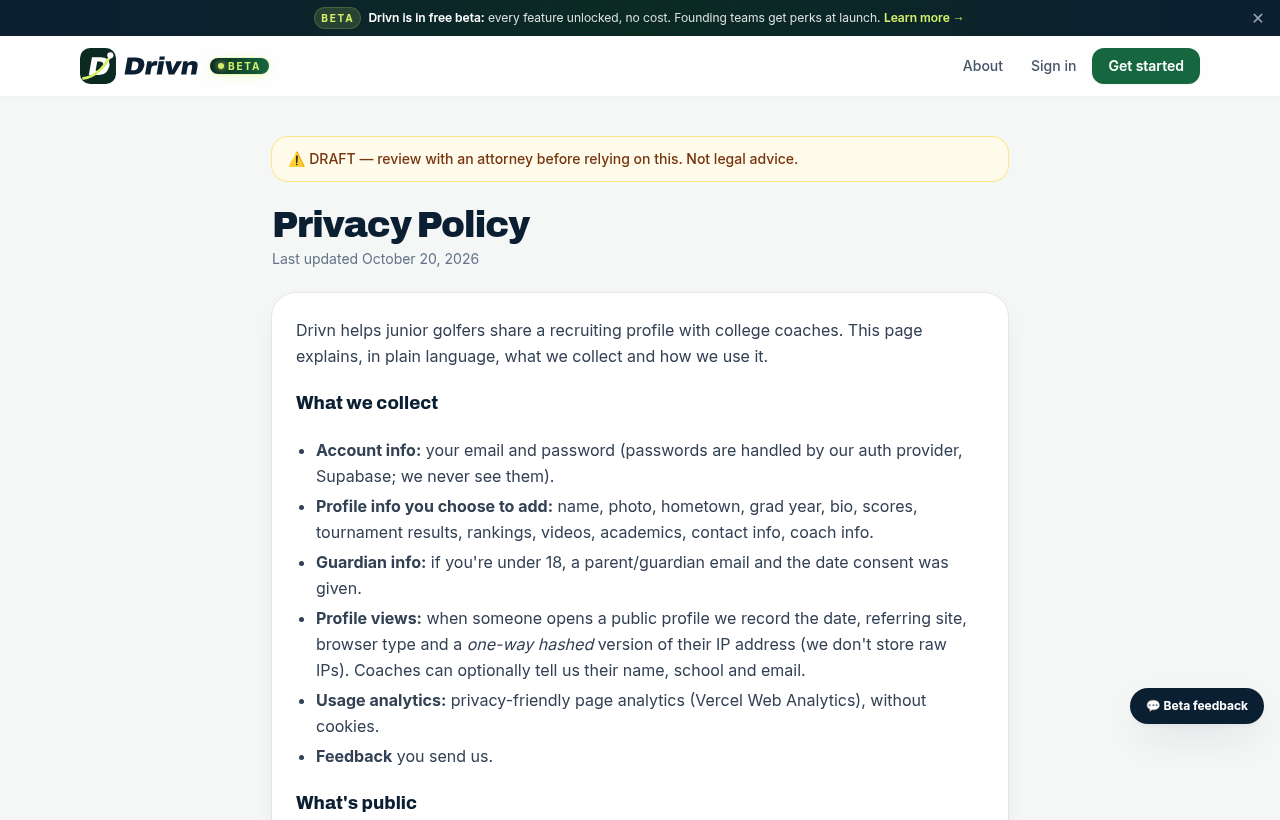
Read the policy
Our Privacy Policy explains what we collect and why. Need your account deleted? Contact us and we'll take care of it.